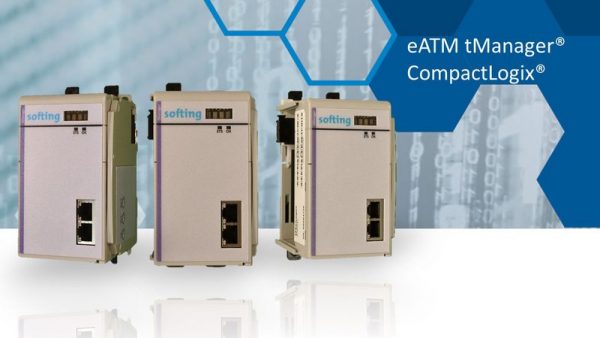
Softing Industrial – eATM tManager For CompactLogix
Excluding GST. Volume discounts available.

Connect CompactLogix PLC to SQL Databases Upload Production Metrics from CompactLogix to Databases Download Recipes from Databases to CompactLogix Connect CompactLogix to databases like Microsoft SQL or Oracle
Technical Description
tManager enables direct bi-directional data exchange between enterprise systems like Microsoft SQL databases and CompactLogix PLCs. tManager is a CompactLogix module inserted directly into the PLC chassis. tManager eliminates a PC server, software application, or scripting sometimes used to orchestrate transactions between the PLC and SQL database. Using tManager to handle transactions instead of VB scripting or FactoryTalk Transaction Manager has the advantage of eliminating a server, eliminating software, increasing transaction speed, and decreasing project risk.
tManager allows downloading recipes and manufacturing instructions in the controller or uploading production parameters for track and trace or monitoring in the database. Microsoft SQL databases are commonly used between MES applications and the production line.
Options are available for a variety of databases such as Microsoft SQL, Oracle, and MySQL.
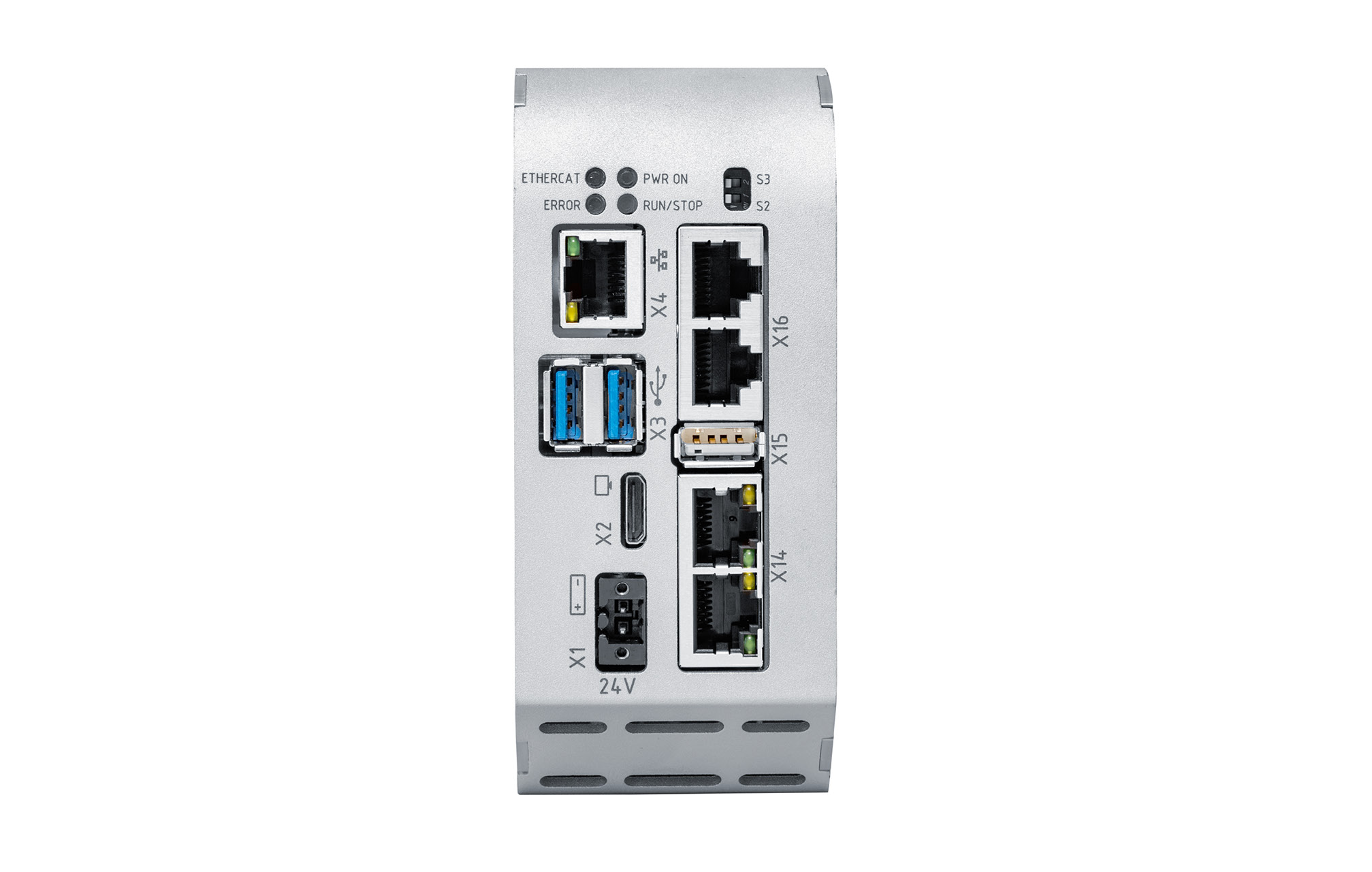
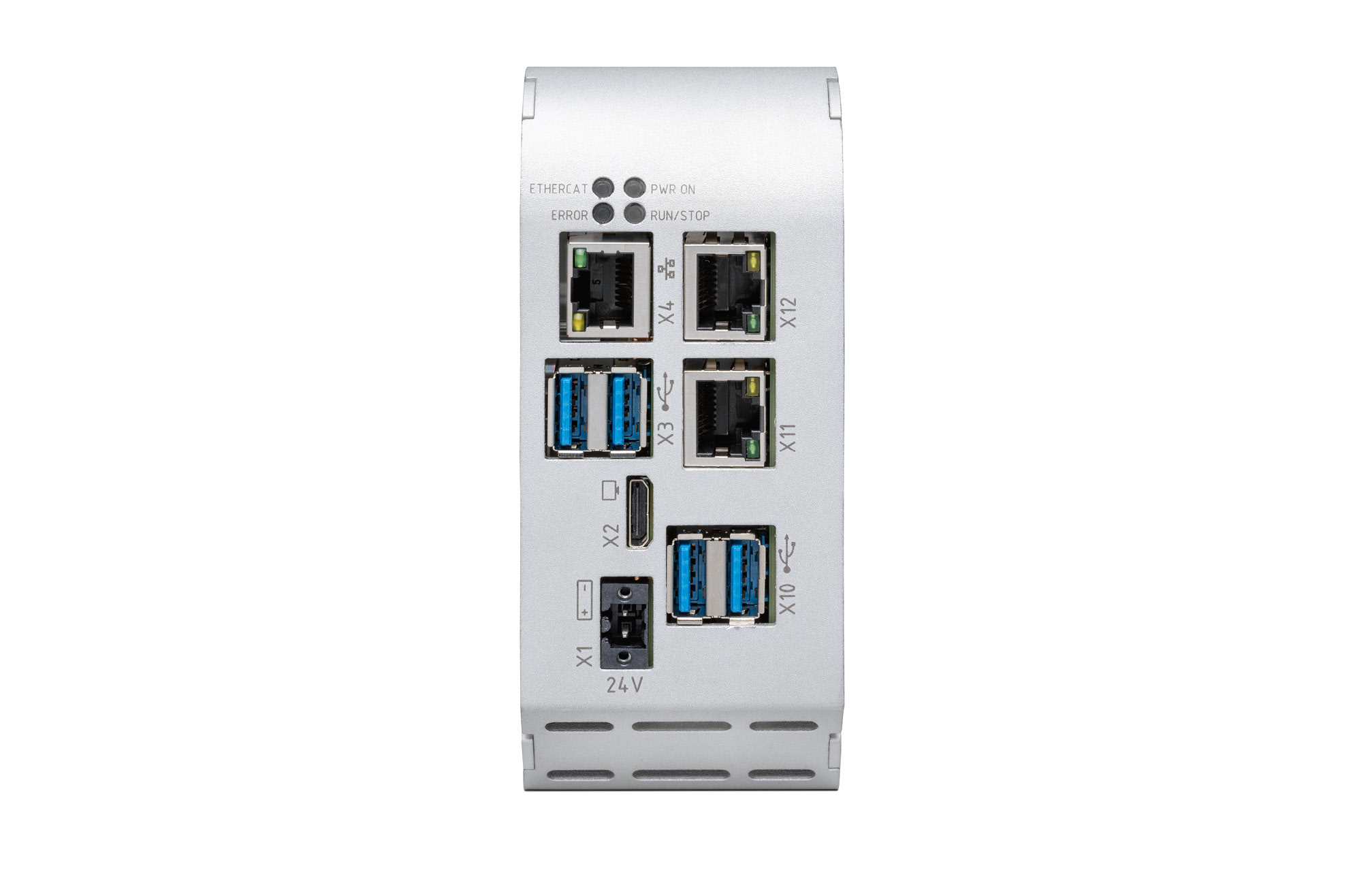
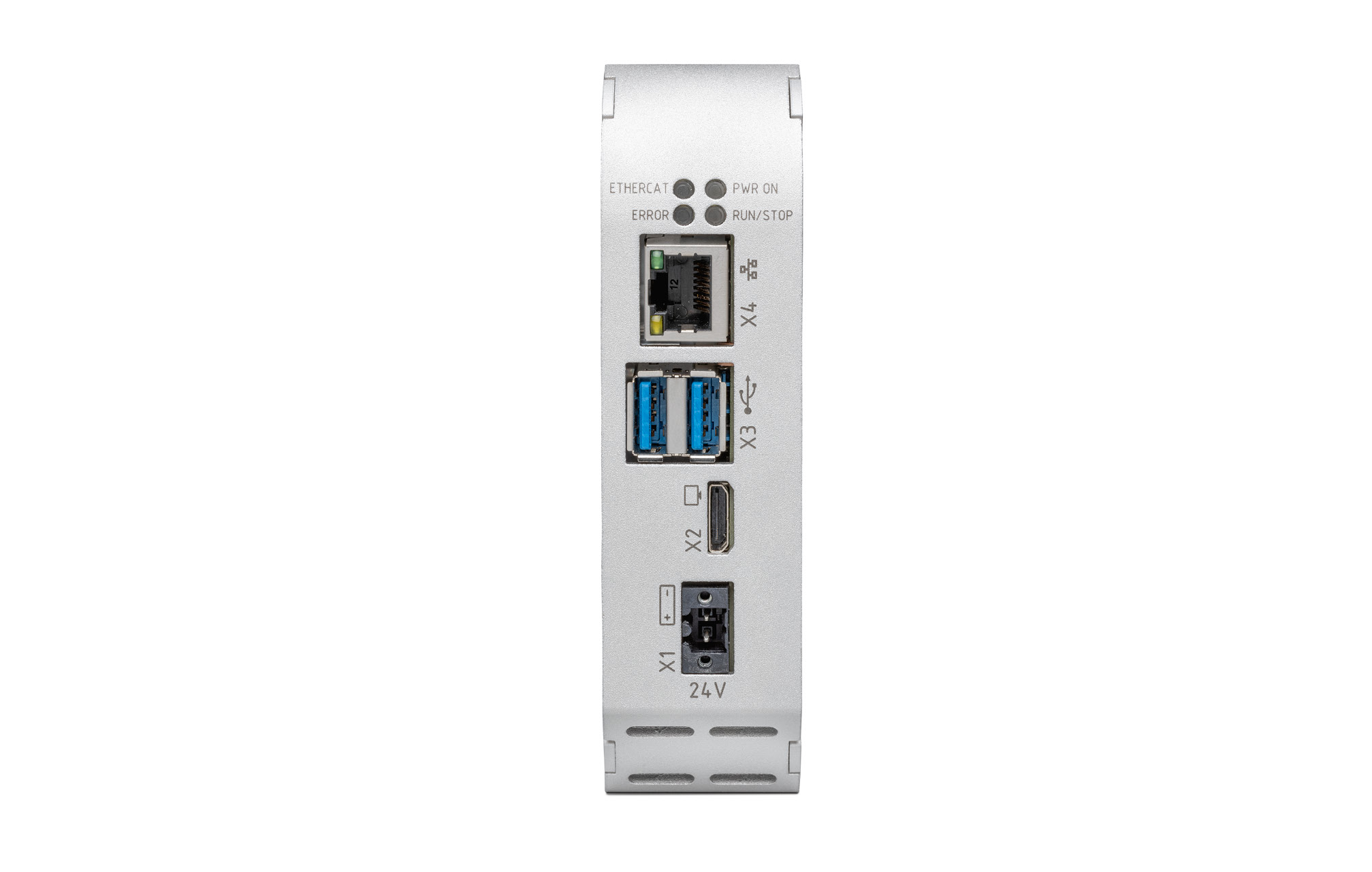
Drivers are available to connect eATM tManager in the CompactLogix rack via the front Ethernet port to additional Allen-Bradley PLCs and Siemens PLCs.
tManager for CompactLogix is compatible with the 1769 CompactLogix and 5830 CompactLogix (5069).
eATM tManager has been developed making use of the Rockwell Automation Encompass Product Partner program. It enables Softing to design CompactLogix in-chassis modules directly accessing control tags. The databases Microsoft SQL and Oracle are supported.
Simplified Implementation
SQL transaction manager eliminates the need for PC between CompactLogix and enterprise SQL database
“Configure & Go”: No software coding or scripting required for connecting CompactLogix to databases
Automatic enumeration of PLC and database tags and structures after insertion in CompactLogix rack
Easy to Operate and Maintain
Easy set-up and monitor of operation through extensive online help and unlimited installations of configuration software on multiple computers
Handling of all data transfer and transactions by eATM tManager hardware itself without connecting configuration software after set-up
Rock Solid Security
No anti-virus updates and on-going security patches required as needed for PC and software based connectivity solutions
Virus-resistant in-chassis module
Only possible module access through the configuration software with adjustable user privileges
All SQL coding handled through menu selection, not providing means to edit malicious SQL commands
Robust Data Handling
Access to controller data using separate front port Ethernet connection
No need to modify PLC logic
Maximized data availability through optional use of store and forward (local buffering)
Time-stamped data and saving of all transactions for audit
E-mail notifications for following transactions and system operation